Projects
First thing we need to do in our “get started” journey is to create a project. When you run Eagle-Editor, this is what you’ll see.
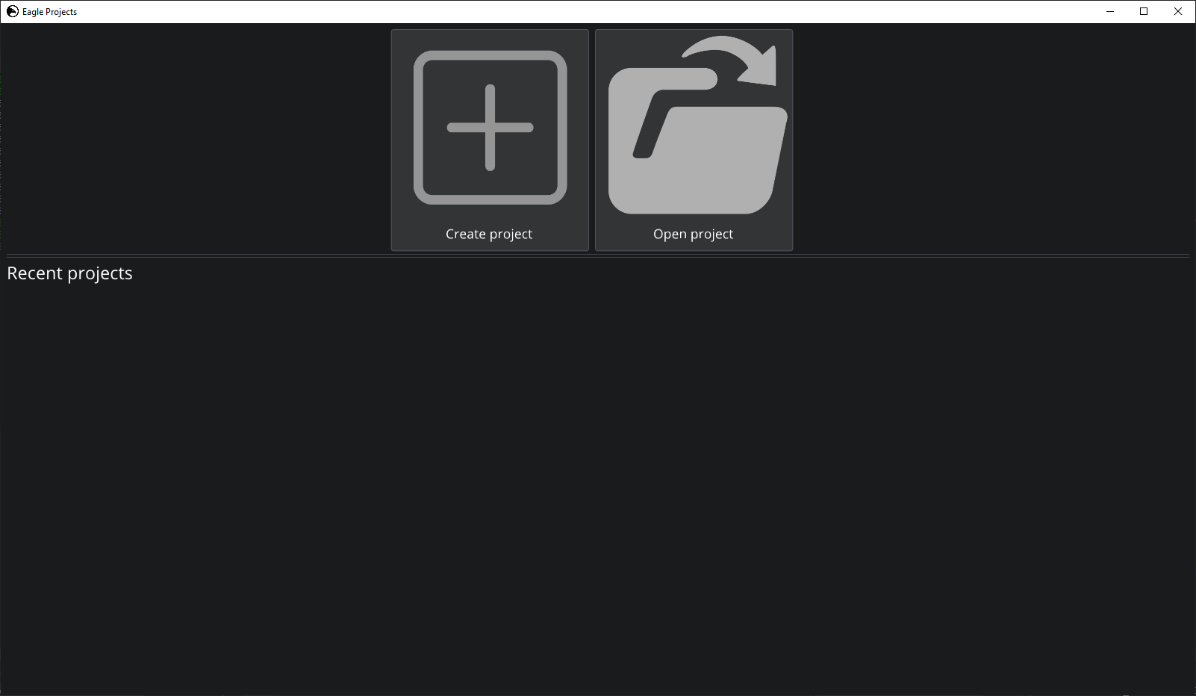
Projects
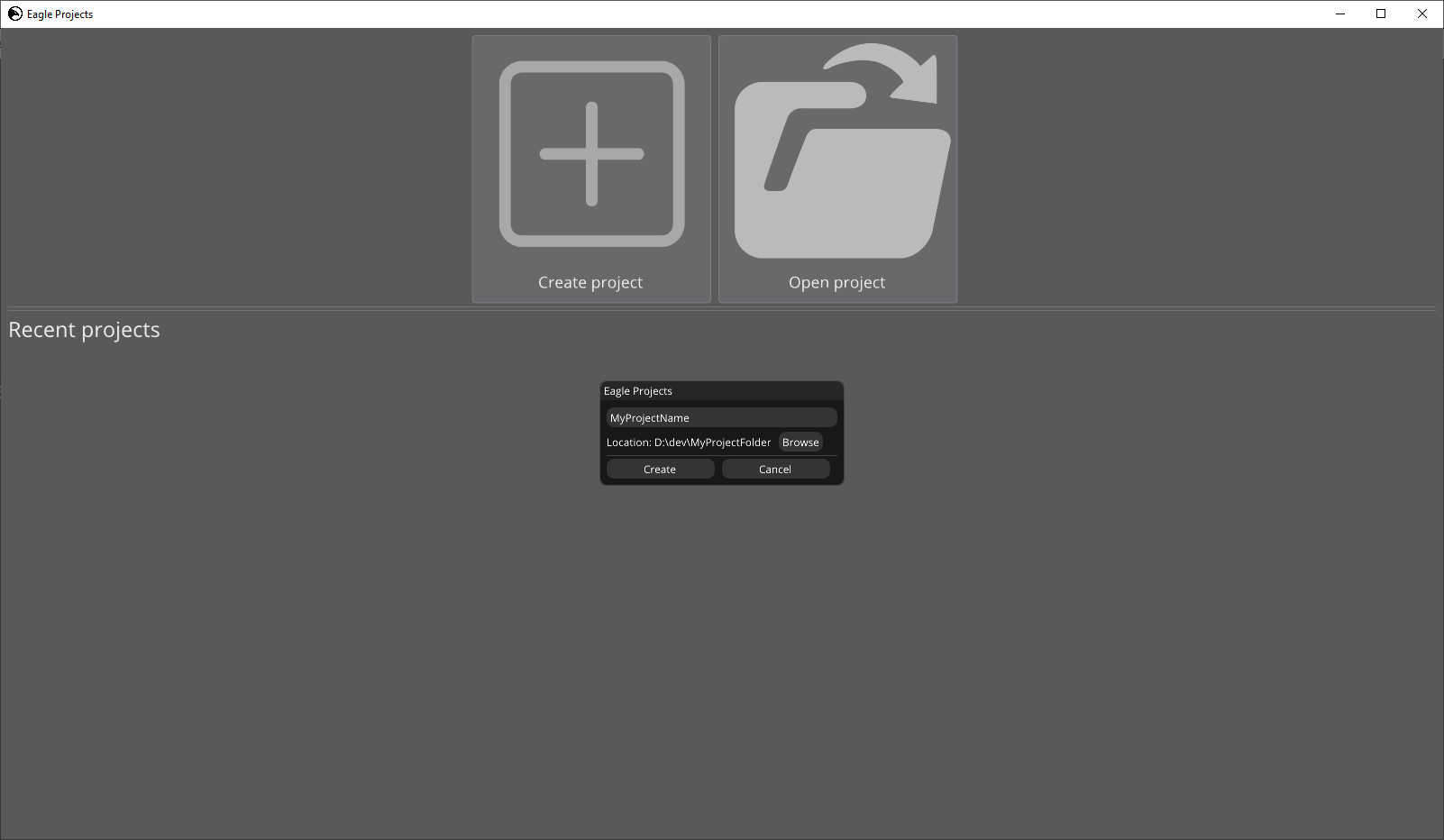
Project creation
After creating a new project, Visual Studio 2022/2019 solution will be generated for your game-scripts. But you’ll need to build it manually by opening up .sln file in the projects folder and compiling it. Also, a project has two static mesh assets by default: Cube, and Sphere.
When your project is ready and you want to build it as game, you can do it simply by clicking File -> Build project.
But before building it, make sure you’ve selected a start up scene for the game in Project Settings tab