Particles
Particle system has emitters that are responsible for spawning particles. Each emitter has its own parameters. Currently, emitters only support 2D particles, meaning they’ll always face the camera.
There’s a Sort opaque particles parameter in Renderer Settings which you can use to potentially improve performance if you have a lot of opaque particles.
Enabling it will help to avoid overdraws.
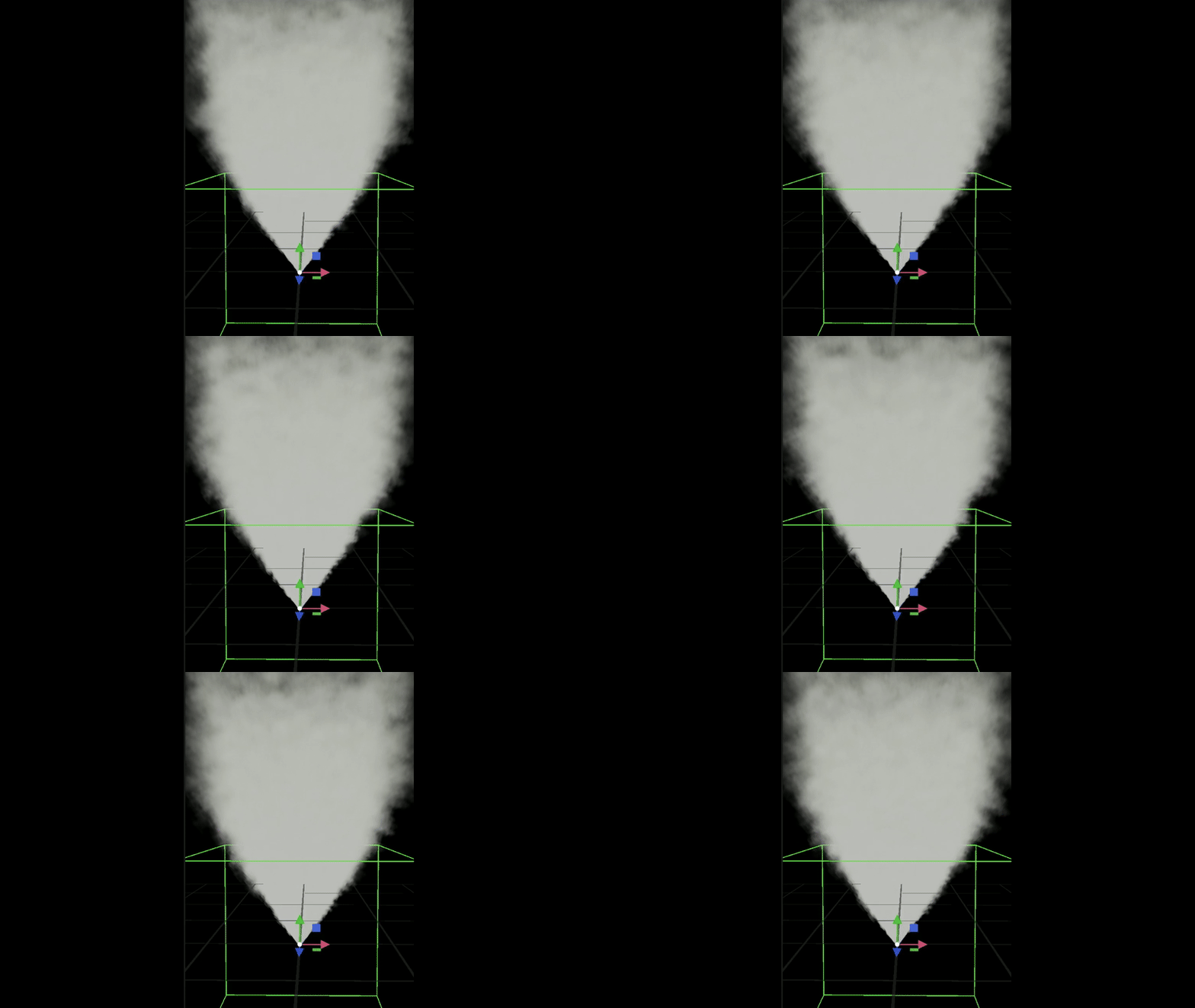
Simple smoke effect
Emitter settings
Relative Transform. It’s relative to the systems world transform.
Visibility AABB. This setting exists purely for performance reasons. If the camera doesn’t see the AABB, then emitter won’t be renderer, but still updated.
Loop Count. If set to 0, it’ll loop infinitely.
Particles Amount. Defines how many particles need to be spawned throughout the life cycle.
Particles Amount Ratio. It’s multiplied by the Particles Amount. It’s purpose is to allow you to change Particles Amount and roll back to the original value without having to remember the original value of Particles Amount. For example, if you want to double the particles amount during the runtime, just set to 2, and when you want to reset the original amount, set it back to 1.
Texture. You can set a texture to color particles. If texture compression is enabled, make sure the texture has Alpha enabled if you want to use it for alpha-blending. Texture can also be to animate particles.
Horizontal & Vertical frames number. Define the number of columns/rows in the texture (sprite sheet). Below you can see an example of such texture. During the lifetime, a particle will go through all of them to create an animation.
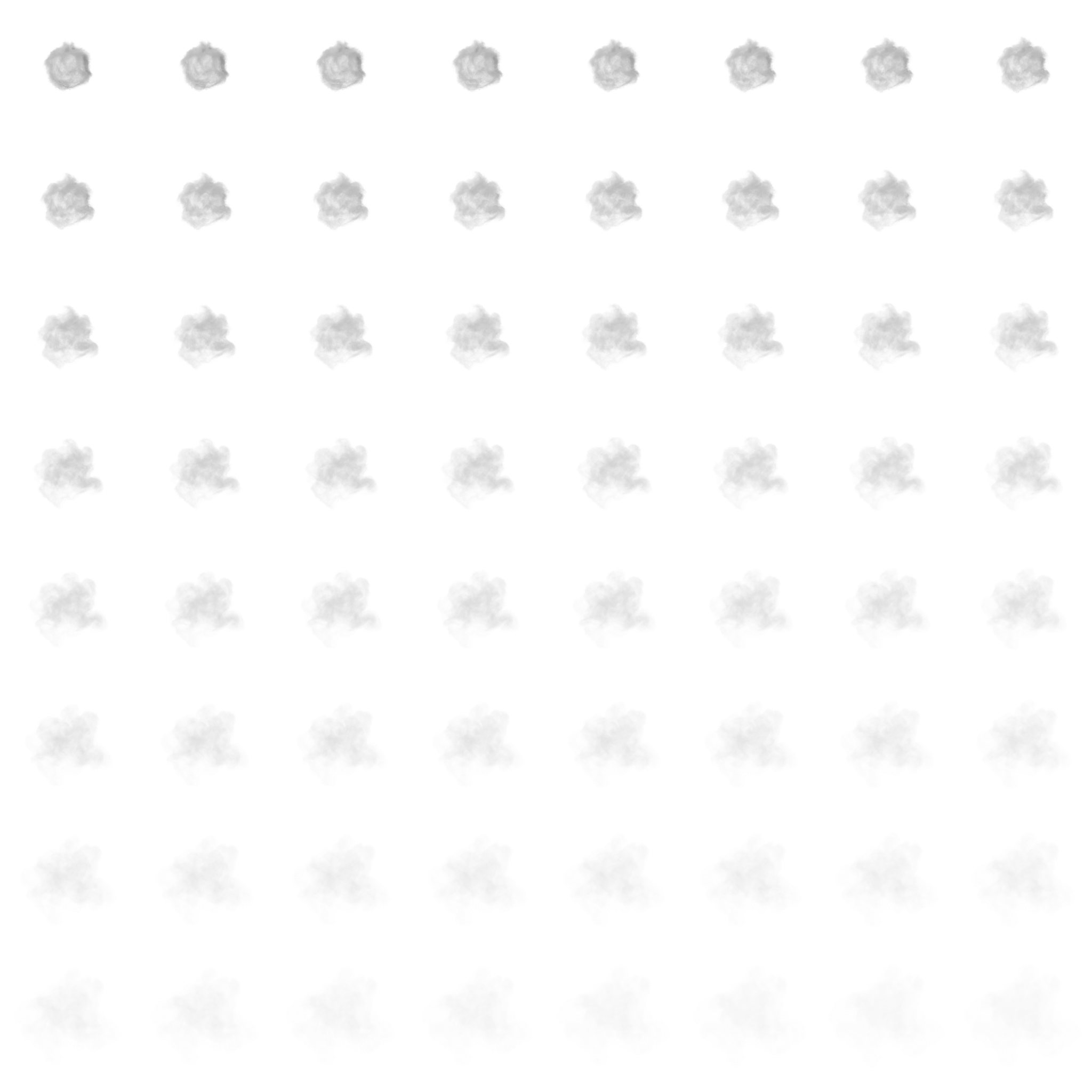
Particle texture animation example (8x8)
Animation Speed.
Blend Animation. When enabled, a particle will smoothly transition from one animation state to another. For example, instead of immediately switching from animation sprite at (0x0) to (0x1), it’ll linearly interpolate between the two.
Radial Acceleration. If it’s negative, particles will move towards the center of the emitter. If positive, they’ll move away from the center.
Tangential Acceleration. If it’s negative, particles will move towards the center of the emitter in a spiral way. If positive, they’ll move away from the center.
Normal Velocity Factor. If not 0, particle’s initial velocity will be affected by
EmissionShapeTypenormal direction. Only supported forSphereandMeshshapes!Collision Mode. Can be set to
None,Destroy On Hit, orBounce.
Note
It’s a screen space collision detection, meaning collision detection won’t work if a geometry it’s supposed to collide with is not visible. Also, precision of the collision detection heavily depends on the camera angle and distance from the geometry.
Emission Shape. Can be set to
Point,Sphere,Sphere Surface,Box,Ring, orMesh.Sphere Radius. Controls the radius of a sphere that’ll be used by
Emission Shape.Box Min and Max. Control the extents of a box that’ll be used by
Emission Shape.Ring Radius and Thickness. Controls the ring properties that’ll be used by
Emission Shape.Mesh. Allows you to use a static mesh to spawn particles. Used when
Emission Shapeis set toMesh.Destroy Immediately. If set to true, particles will be disabled/destroyed immediately when emitter is destroyed (instead of following their lifetime).
Emit. If set to false, emitter will stop emitting new particles.
Explode. If set to true, all particles will be emitted at once. Otherwise, they’re emitted sequentially throughout the lifetime.
Apply Gravity.
Alpha Blending. Allows you to enable/disable alpha blending.
Additive Blending. Allows you to enable/disable additive blending. When enabled, particle color will be added on top of the existing color (
Backgroud Color + Particle Color).
Particle settings
Note
Start/End parameters define a value at the beginning and at the end of particles lifetime. So, throughout the lifetime, a particle will transition from Start value to End value.
Min/Max parameters define a range of values. When spawned, particle will use it to generate a random value to use as an initial one.
Color Start/End. Color is multiplied by the texture’s color if it’s used.
Velocity Min/Max.
Velocity Coef Start/End. They can be used to change the velocity of a particle throughout the lifetime.
Rotation Z Start/End.
Size Start/End.
Collider Size Ratio. It can be used to increase the size of a collider to prevent small and fast-moving particles from clipping through.
Lifetime Min/Max. In seconds.
Bounciness Min/Max.